Bulk Redirects with Hono
Domain migration 301 redirect validation errors were occurring in Google Search Console, so we implemented a Hono-based redirect on Cloudflare Workers instead of using Cloudflare Bulk Redirects.
https://zenn.dev/jp/articles/2026-01-05-bulk-redirects-with-hono
↑ 日本語版
Problem
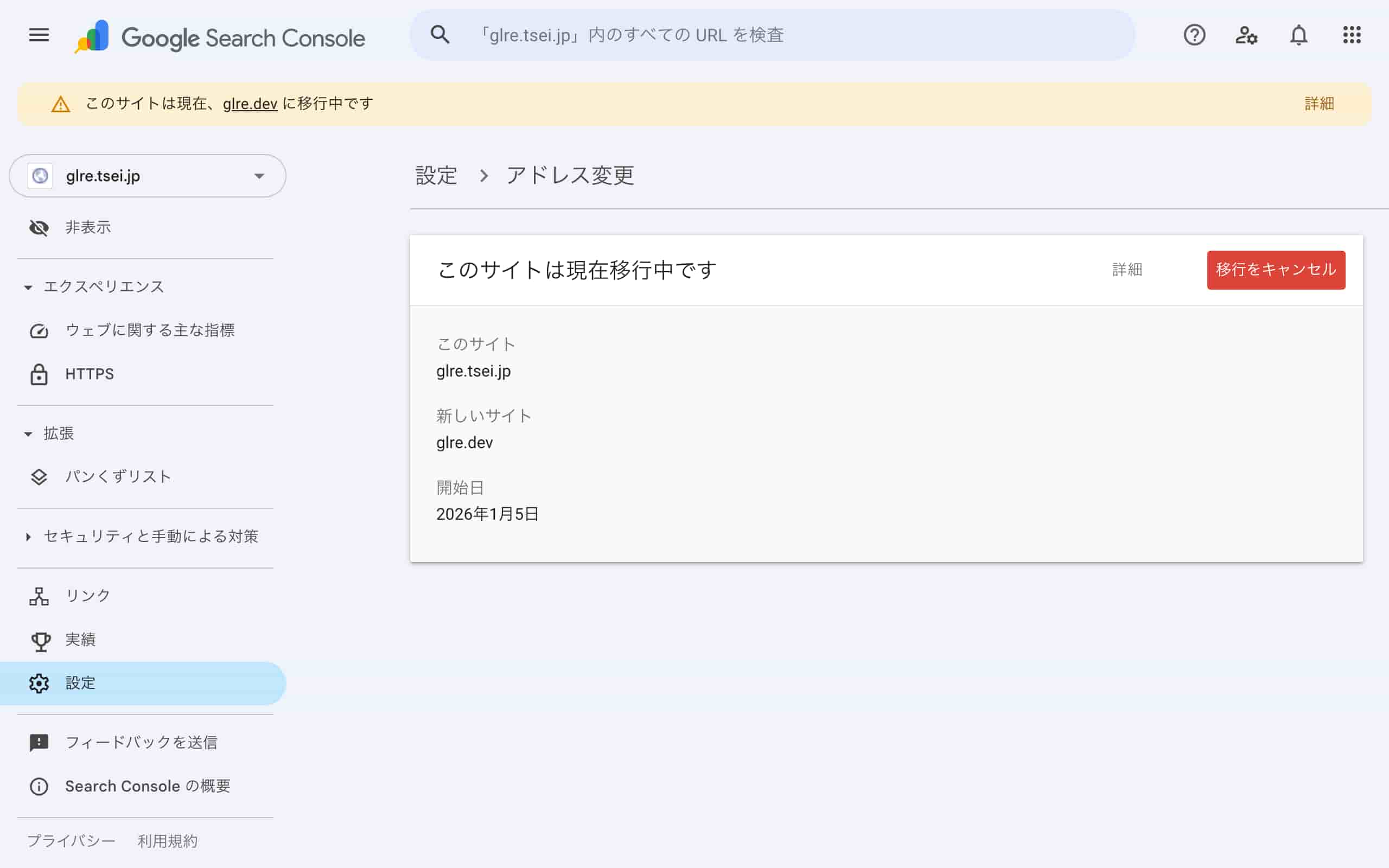
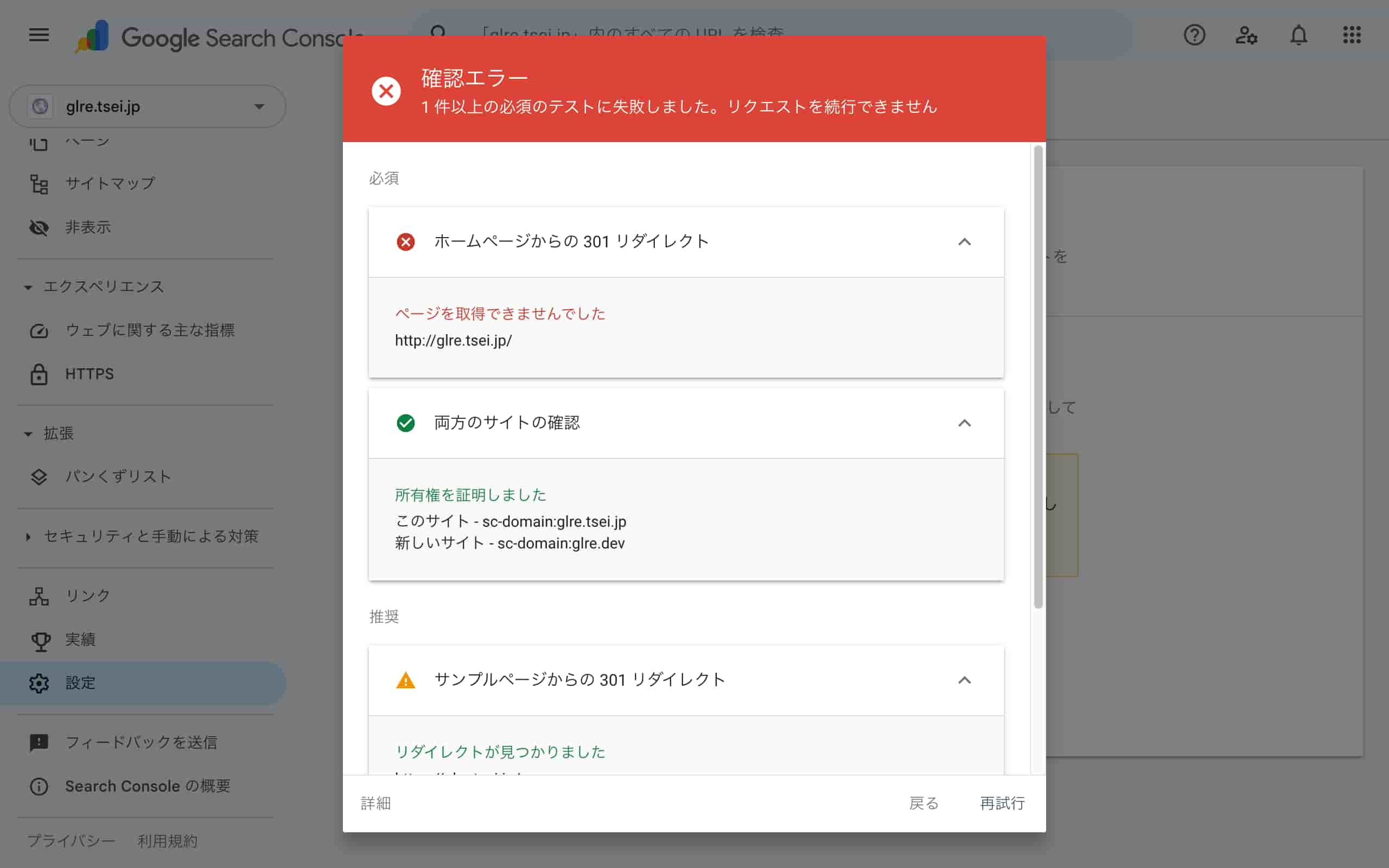
The "Change of Address" screen in Google Search Console showed "couldn't fetch page" errors, preventing domain migration completion for an extended period.
Solution
A Hono application deployed on Cloudflare Workers that provides 301 redirects. This implementation allows Google Search Console to successfully validate the domain migration.
Project Creation
╭────────────────────────────────────────────────────────────╮
│ > % npm create hono                                        │
│                                                            │
│   > npx                                                    │
│   > create-hono                                            │
│                                                            │
│   create-hono version 0.19.4                               │
│   ✔ Target directory redirector                            │
│   ✔ Which template do you want to use? cloudflare-workers  │
│   ✔ Do you want to install project dependencies? No        │
│   ✔ Cloning the template                                   │
╰────────────────────────────────────────────────────────────╯
Select cloudflare-workers template.
Configuration
Edit src/index.ts to set your destination domain.
import { Hono } from 'hono'

const DOMAIN = 'https://glre.dev'

const app = new Hono()

app.all('*', (c) => {
        const { pathname, search } = new URL(c.req.url)
        return c.redirect(`${DOMAIN}${pathname}${search}`, 301)
})

export default app
Cloudflare Deployment
npx wrangler login
2. Deploy
npm run deploy
Then configure the custom domain through the Cloudflare Workers console.
Verification
Test the redirect:
curl -I https://glre.tsei.jp/
# HTTP/2 301
After deployment, simply navigate to Google Search Console → Settings → Change of Address and select your new domain to complete the migration 🎉